
Accounts payable (AP) covers the work a company performs to receive, check, approve, post, and pay supplier invoices. Receiving a digital document is only the beginning: the invoice must become a verified accounting record connected to the underlying purchase.
When the process depends on inboxes, spreadsheets, and checks scattered across finance, procurement, and operations, invoices pile up. The backlog becomes visible at month-end, but it starts earlier: every unprocessed invoice leaves cost and liability information incomplete.
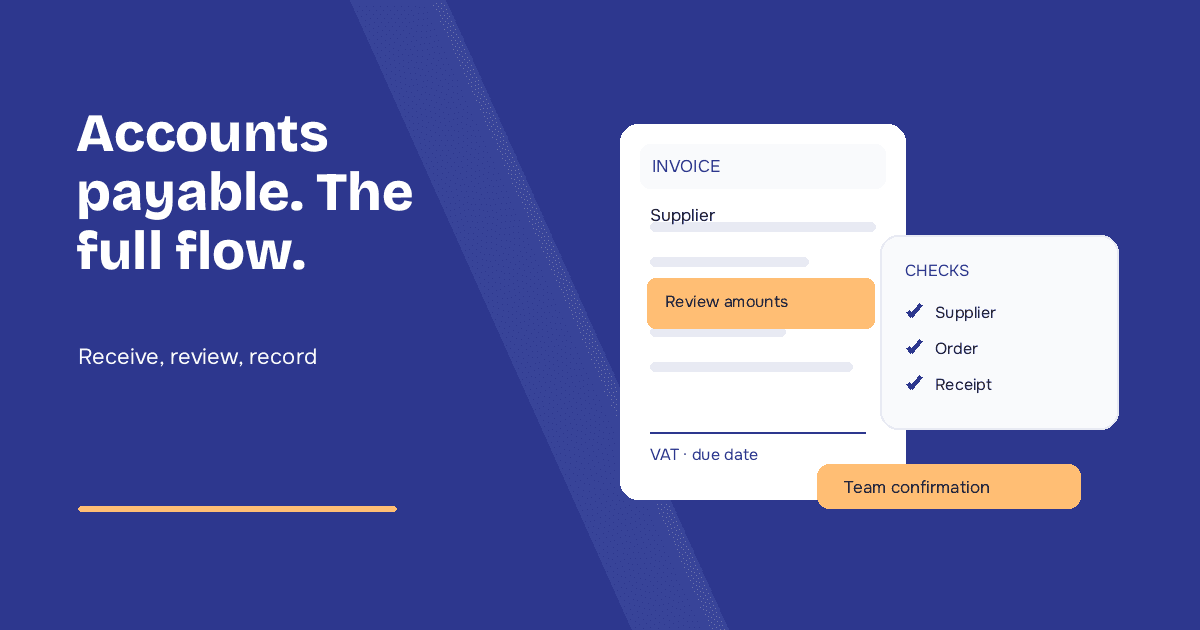
What accounts payable covers
A supplier invoice normally creates a cost, a liability to the supplier, and a tax treatment after the required checks. Accounts payable is part of the broader purchase-to-pay process, which may begin with a purchase request and include a purchase order, delivery or service confirmation, invoice, approval, payment, and archiving.
This distinction matters. Invoice processing focuses on the document; purchase-to-pay also governs what was requested, ordered, received, and eventually paid.
The supplier invoice process
- Receipt: the invoice arrives through an e-invoicing network, email, portal, or another approved channel.
- Data capture: supplier, invoice number and date, tax, totals, due dates, line items, and PO references are identified.
- Formal validation: duplicate, master-data, mathematical, and completeness checks are performed.
- Matching: the invoice is compared with the purchase order and, where available, a delivery note or service receipt.
- Exception handling: price, quantity, item, tax, or master-data discrepancies go to the right owner.
- Approval and posting: the invoice is coded to the correct accounts and dimensions, approved, and posted to the ERP.
- Payment and audit trail: the approved liability follows payment terms and remains traceable with its supporting evidence.
PO-backed and non-PO invoices need different paths. A compliant PO invoice may be matched automatically, while a recurring service invoice may require a budget owner and specific coding rules.
Controls before posting
The best-known control is three-way matching: comparing the purchase order, evidence of receipt, and the invoice. The goal is to establish whether the items, quantities, and prices billed agree with what was ordered and received.
| Control | Example exception | Typical owner |
|---|---|---|
| Master data and duplicates | Unknown supplier or previously captured invoice | Accounts payable |
| Price and quantity | Unit price or quantity differs from the PO | Procurement |
| Receipt | Invoice received but goods or services are not confirmed | Operations or requester |
| Coding and tax | Account, cost center, or tax treatment is inconsistent | Accounting |
Where manual work accumulates
Data entry is only one source of effort. Teams lose time when a PO reference is missing, a delivery note has not been recorded, a partial quantity needs investigation, or approval is buried in an inbox. The operator must reconstruct the context before making a decision.
This creates an invisible queue of received-but-unposted invoices and unassigned exceptions. Costs then reach the ledger during the month-end rush. For the Italian context, see our guide to month-end close, supplier invoices, and the 15th-day VAT rule.
Automation without losing control
An automated workflow captures the document, extracts its data, finds the relevant business records, and applies defined checks. Compliant invoices can move forward; exceptions are shown with the discrepancy and supporting documents required for a decision.
Typelens captures supplier invoices and delivery notes, compares them with purchase orders already held in the ERP, and flags discrepancies. People retain ownership of approvals and accounting decisions while spending less time reconstructing context. Explore supplier invoice automation.
The goal is not to remove human control. It is to move human attention from rekeying data to the exceptions that require judgment.
Accounts payable KPIs
- average time from receipt to posting;
- share of invoices posted without manual data entry;
- number and age of invoices waiting for action;
- automatic PO and receipt matching rate;
- exceptions by cause and supplier;
- post-entry corrections;
- prior-period invoices still open at the close cut-off.